Realistic Home Defense controls for PC, console and mobile
Realistic Home Defense lists nine actions with PC and console bindings: fire, aim, reload, fire mode, sprint, crouch or prone, lean, switch weapon and interact. On mobile you use on-screen buttons, and their layout can be edited in Settings.
Control table
| Action | PC | Console |
|---|---|---|
| Fire | Left Click | RT |
| Aim | Right Click | LT |
| Reload | R | X |
| Fire Mode | V | RB |
| Sprint | Shift | L3 |
| Crouch / Prone | C | B |
| Lean | Q, E | D-Pad |
| Switch Weapon | 1-9 | Y, LB |
| Interact | G | X |
Note that the listing gives X for both Reload and Interact on console; check the in-game settings for how that is resolved.
Mobile
Mobile players get on-screen buttons. The developer says they can be edited in Settings, so you can move them to suit your grip.
Why lean and prone matter
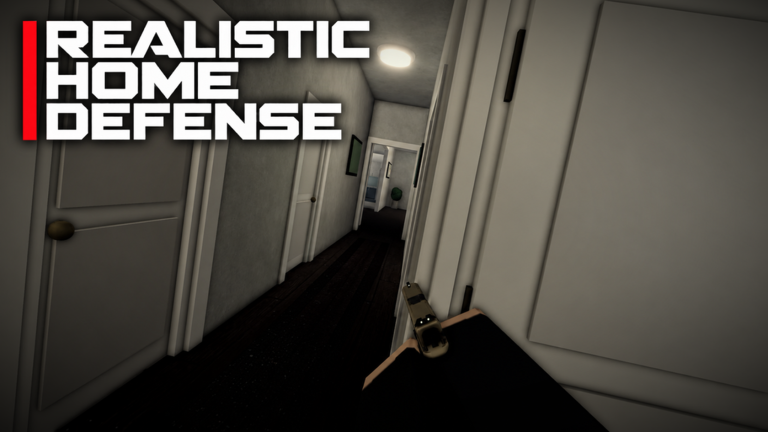
Lean (Q and E on PC) lets you look around a corner, and crouch or prone (C) lowers your profile. In a hallway like the one in the thumbnail, those two controls are the core of the "tactical movement" the developer promotes.